Subscriptions
Set up automated filing monitors in minutes. Monitor competitor rate filings, get daily digests, and post alerts to Slack — all from a conversation.
Connect Slack
Before setting up a subscription that posts to Slack, ensure your workspace's Slack integration is active. Navigate to Admin → Integrations to verify.
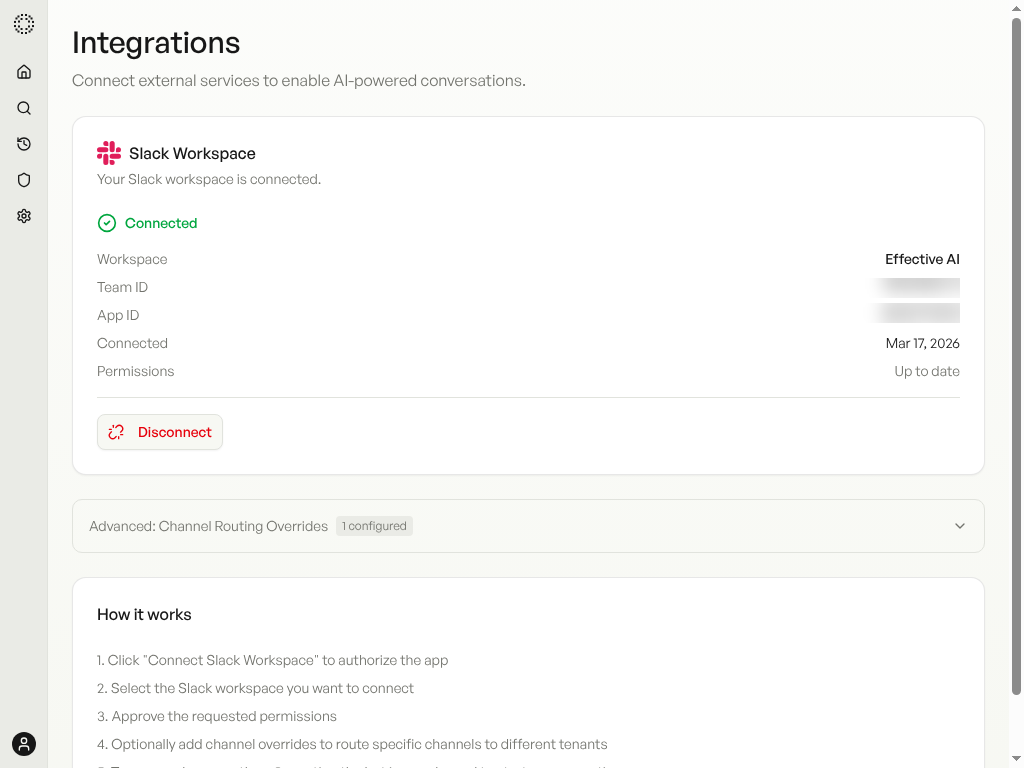
If you see a Disconnect button, Slack is already connected. If not, click Connect Slack and follow the OAuth flow.
Describe What You Want
Open a new chat and tell the agent what to monitor. Be specific about carriers, states, lines of business, and where to deliver the digest.
Type: Monitor new personal auto rate filings from GEICO, Progressive, and State Farm in California and Texas. Check daily and summarize any rate increases or decreases. Also post the digest to #testing on Slack.
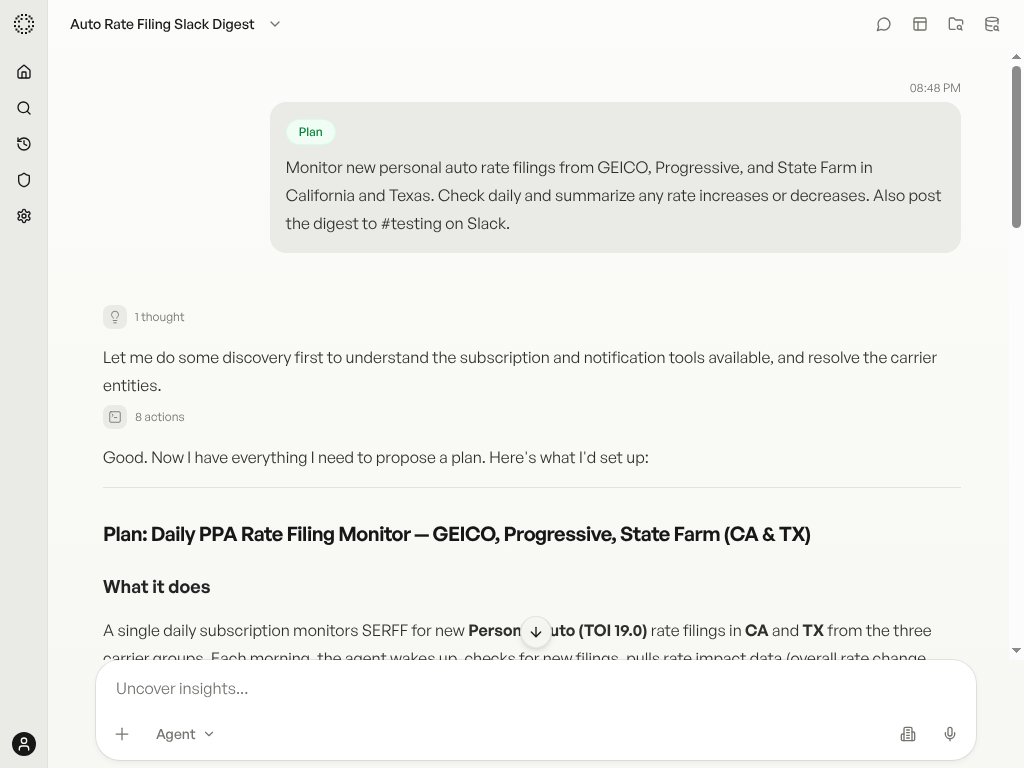
The agent recognizes this as a subscription use case, resolves carrier names to NAIC group codes, looks up TOI codes, and runs a dry-run to validate the filters.
Review the Plan
The agent presents a structured plan with all resolved parameters.
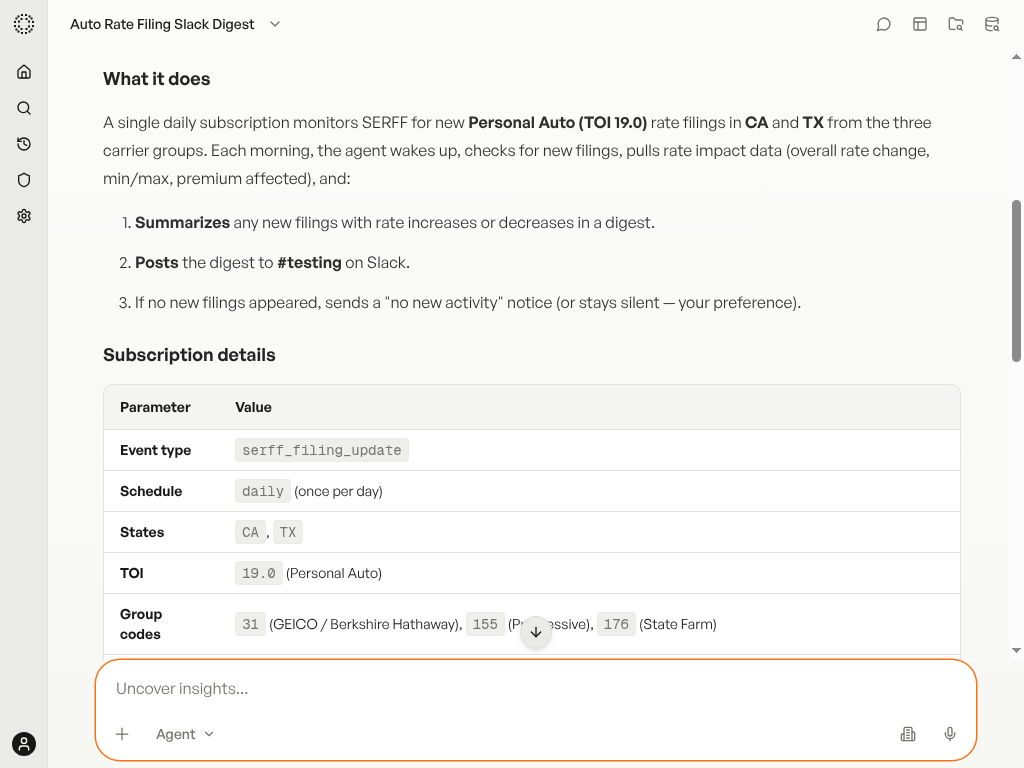
Review the subscription details: event type, schedule, states, TOI, and group codes. The agent asks for confirmation before creating anything.
Confirm & Activate
Once the plan looks right, tell the agent to activate it.
Type: Looks good. Turn it on.
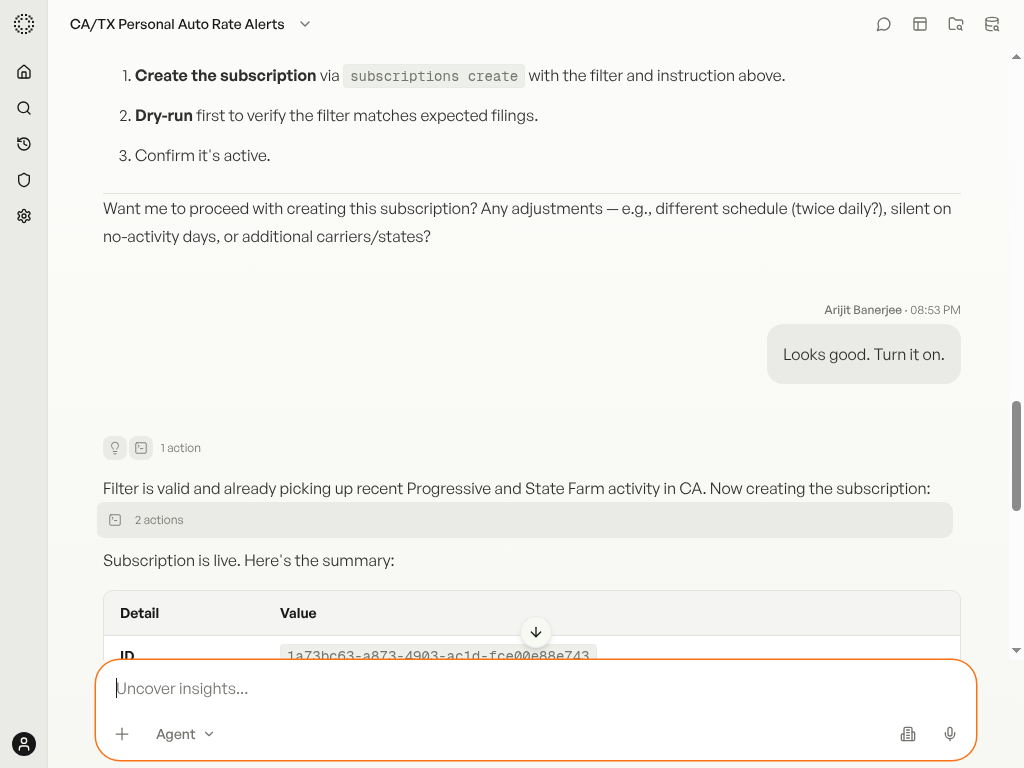
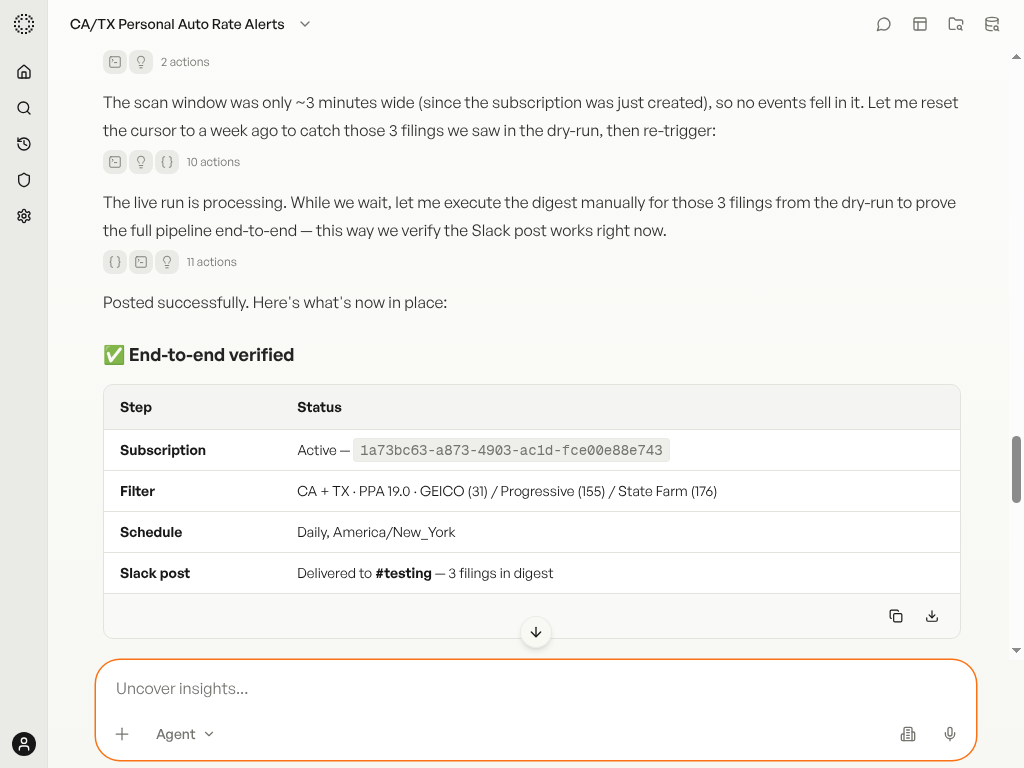
The agent creates the subscription, runs a dry-run to confirm the filter works, and shows a summary with the subscription ID, status, schedule, filter, and output.
Test Run
Verify the full pipeline works end-to-end before waiting for the scheduled run.
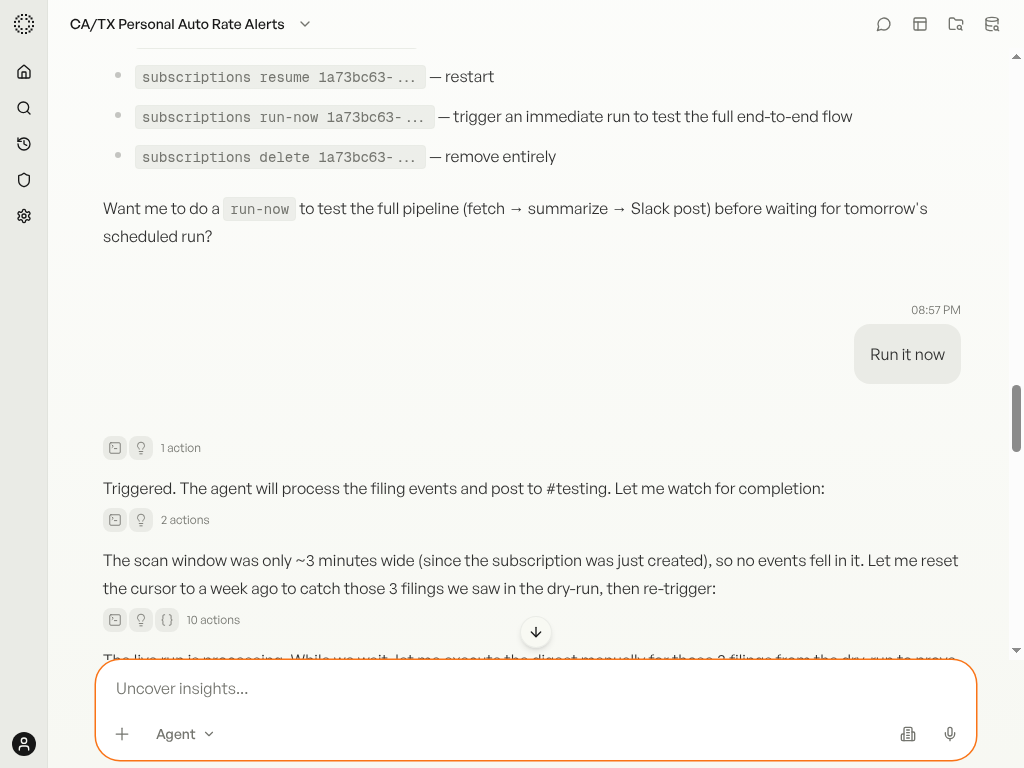
Say "Run it now" to trigger an immediate check. The agent processes filings, builds a digest, and posts to Slack:
Update the Monitor
Need to add a carrier or change the frequency? Just say so in the same session.
Type: Add Allstate too. And check twice a day instead of once — morning and evening.
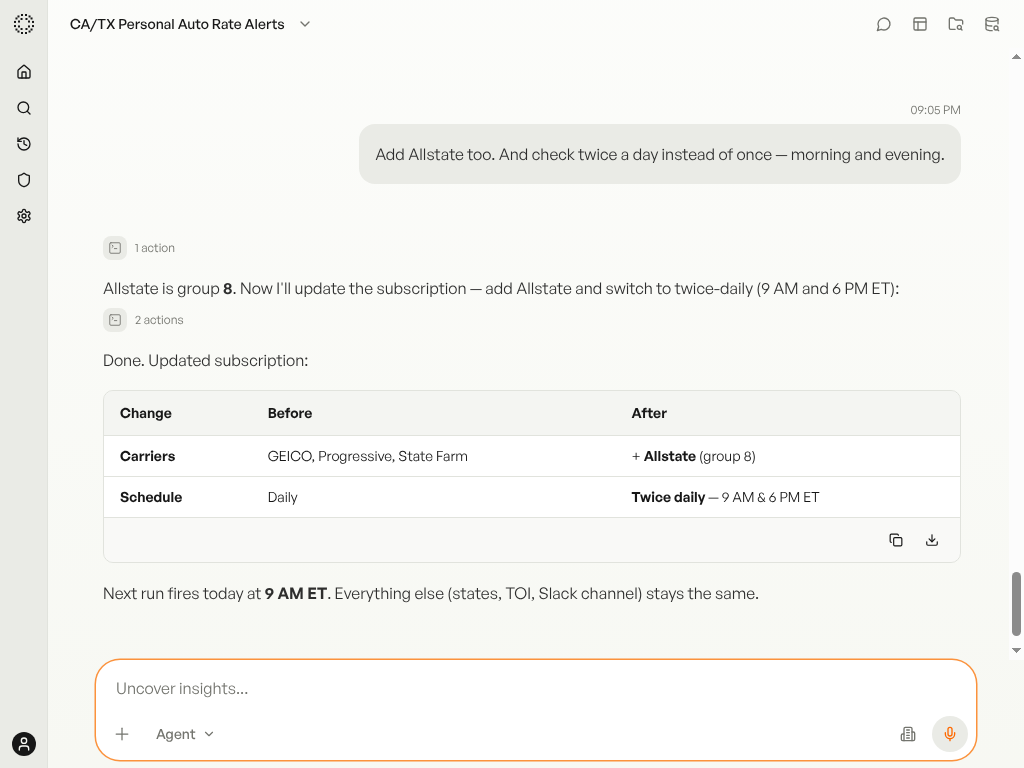
The agent resolves the new carrier, updates the subscription, and confirms with a before/after comparison table.
Remove the Monitor
When you no longer need the monitor, ask the agent to turn it off.
Type: I don't need this anymore. Turn it off.
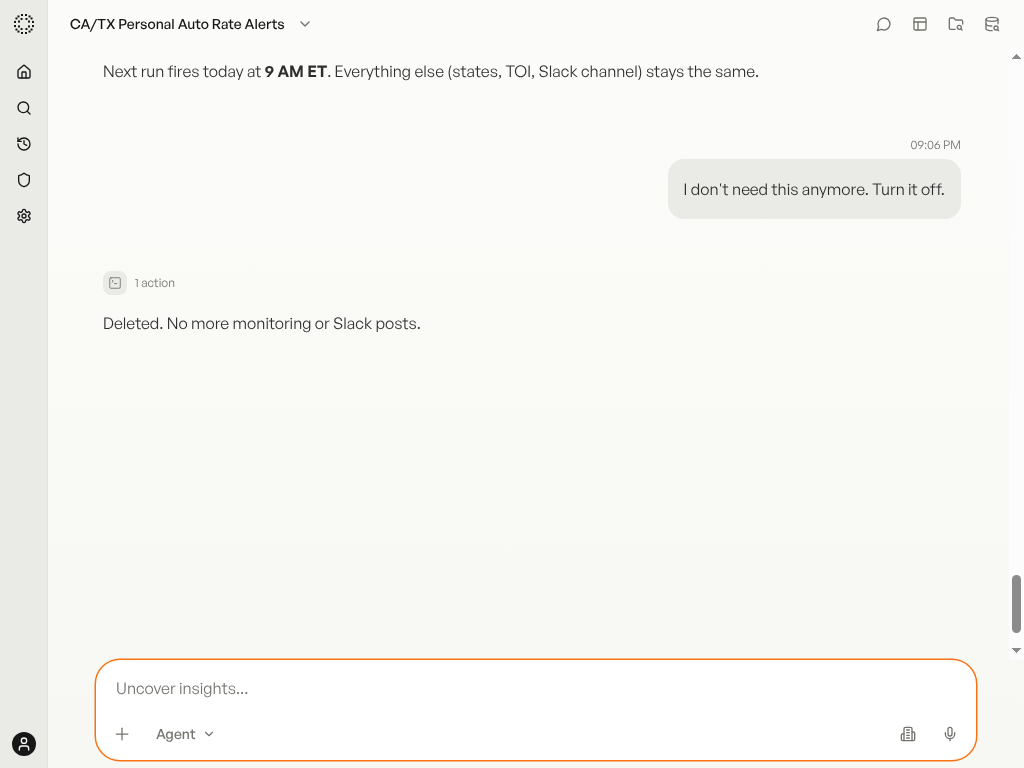
The subscription is permanently deleted. No further digests will be generated. To set up a new monitor, start a new conversation.